




US-Based B2B Appointment Setting Services That Convert






What our appointment setters do for your team
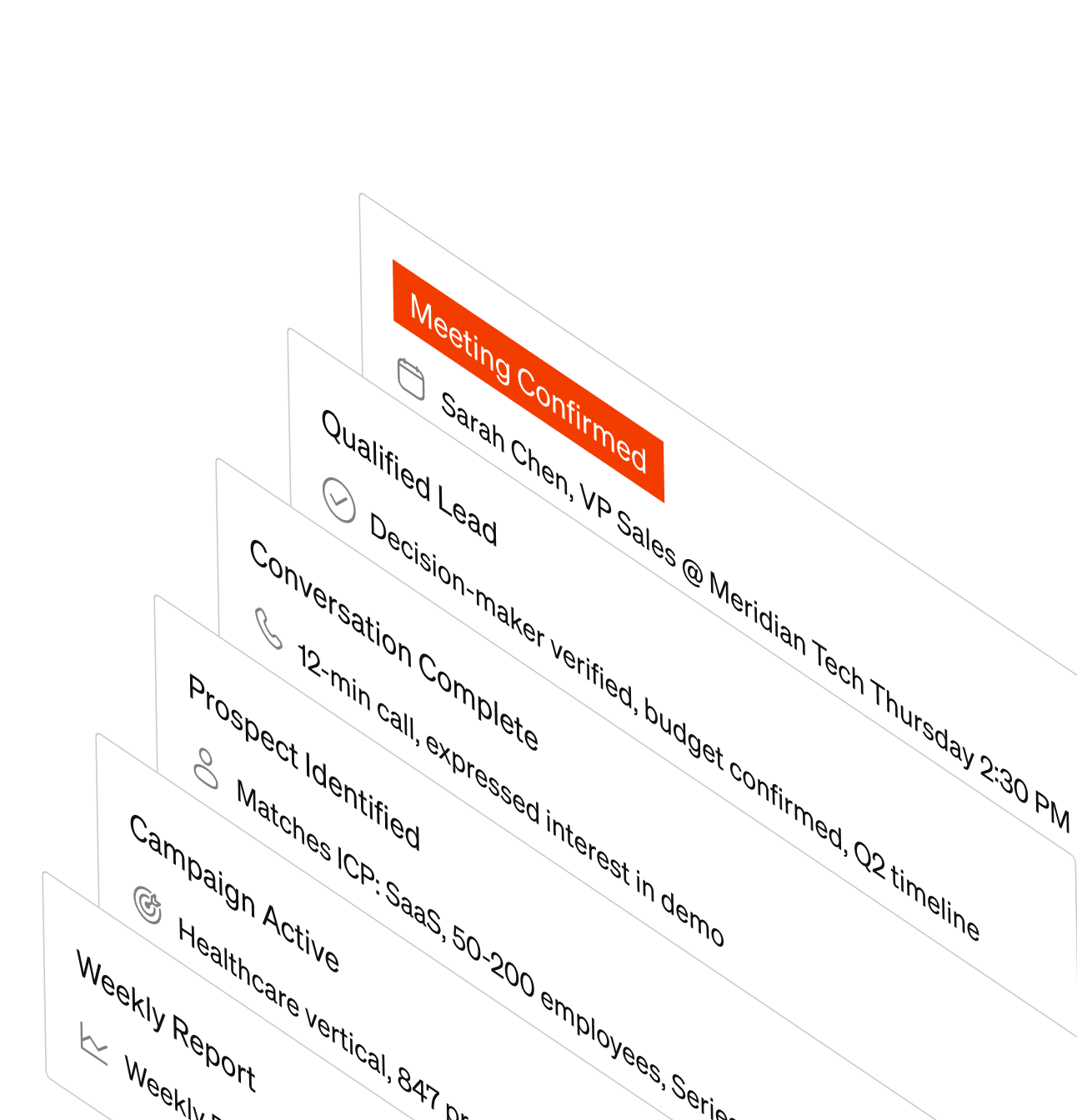
Sales-Qualified Appointments
We qualify prospects against your agreed criteria before booking a meeting. Those criteria can cover company fit, buyer roles, needs and timing.
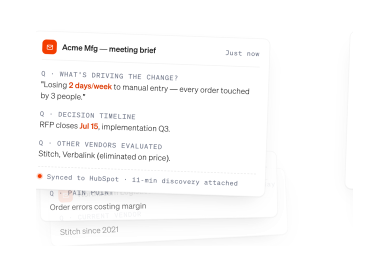
Detailed Lead Notifications
Your sales team receives the prospect's contact details, qualification responses and conversation notes, so they can prepare for the meeting.
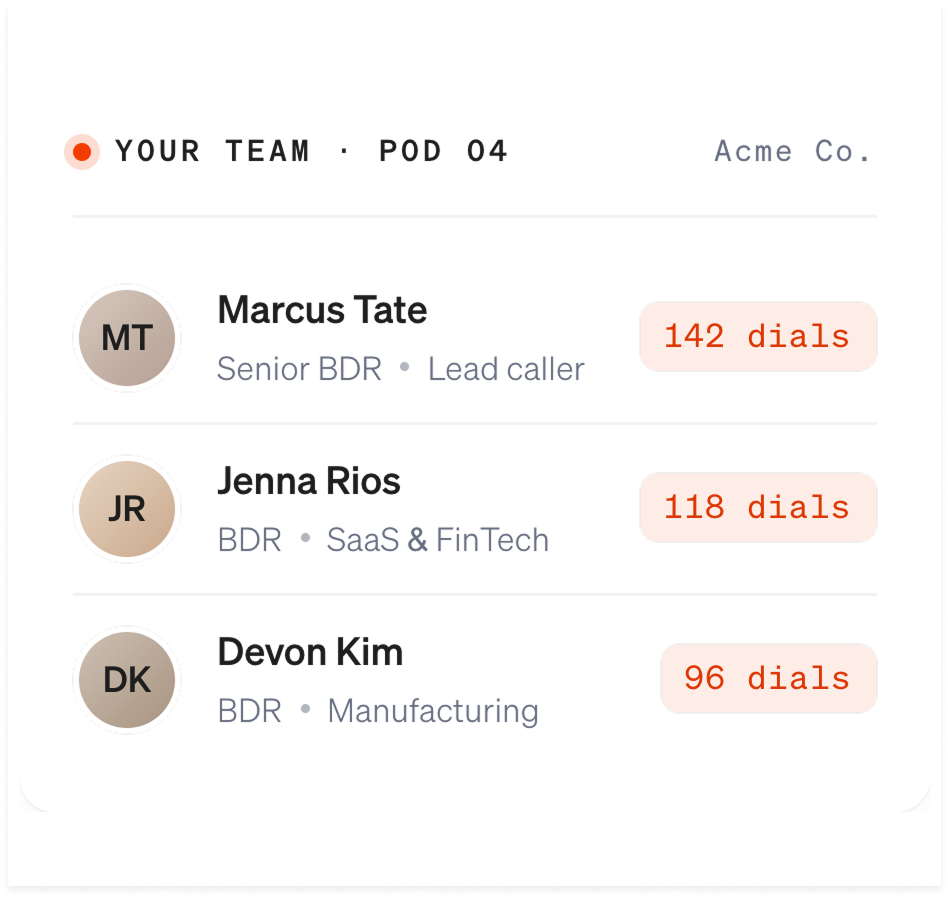
Dedicated US-Based SDR Team
US-based, native English-speaking SDRs learn your offer and target market, then handle prospecting and follow-up on your behalf.
.png)
Appointment Scheduling
We coordinate appointments with your sales team's availability and share the meeting details. We agree on the booking process during setup.
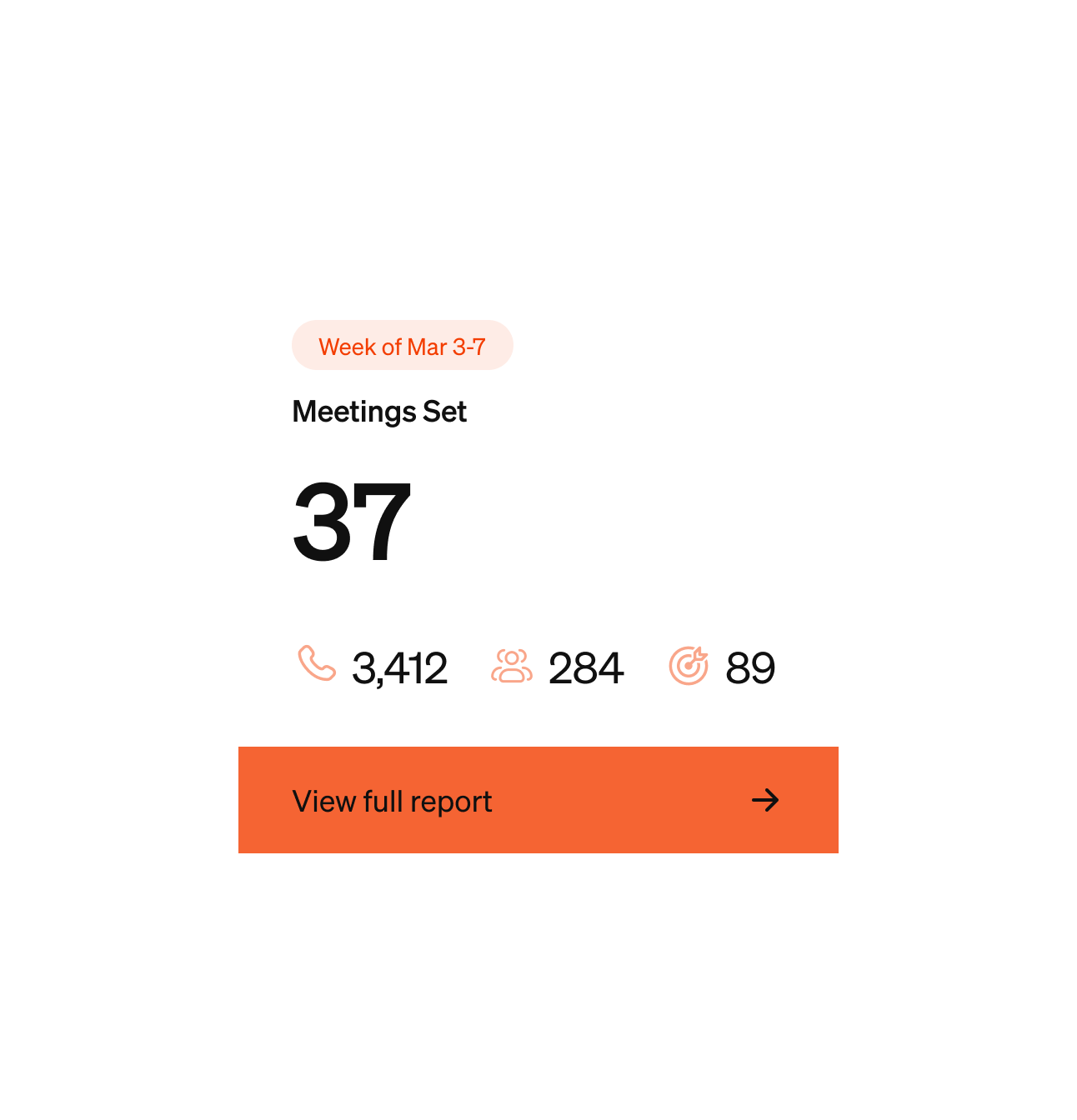
Weekly Reviews & Reporting
Review outreach activity, conversation outcomes and booked appointments with our team. We use those reviews to decide what needs attention next.
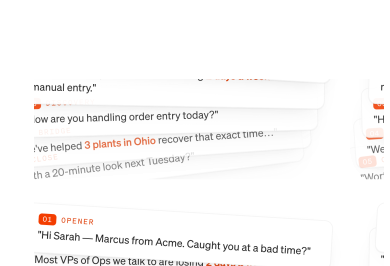
Campaign Refinement
We review targeting, call flows and follow-up using campaign results and feedback from your sales team. Changes are guided by what prospects and your team are telling us.
Appointment setting results from client programs
“They have exceeded our expectations in every project.”
“The combined effort has and continues to pay dividends as our sales results continue to double in size year over year.”
“We have not only been very happy with their service & support but have realized increased sales and additional revenue as a direct result of our relationship.”
Who makes your calls, and where they sit
Callers who sound like a peer.
A decision-maker decides in the first seven seconds whether a call is worth the time. A native English speaker who knows what the company does gets those seven seconds.
Callers who have done the homework.
Before the first dial, your specialists learn your offer, your target market and your qualification criteria, so they can answer the second question, not only the first.
Calls placed when decision-makers pick up.
In our study of 40,000 outbound calls, dials between 4 and 5 p.m. connected 21.4% of the time and dials after 5 p.m. connected 6.1%. We plan your calling around the windows that work in your buyers' time zones.
A dedicated team and regular reporting.
Your SDRs are dedicated to your program, you get a named account manager, and regular reporting covers calls, conversations and meetings set. Across our programs, 10 to 25% of dials reach a decision-maker.
How our appointment setting service works. We agree on the qualification criteria, reach the right prospects and prepare your team for each booked meeting.

We learn your offer and ideal customer profile, then agree on who to contact and what your sales team needs to know before a meeting.
- Define target companies and buyer roles
- Agree on qualification questions
- Confirm booking and handoff requirements
Our US-based SDRs make the calls, ask your qualification questions and follow up with prospects. Weekly reviews help refine the campaign.
- Prospect outreach and follow-up
- Qualification against your criteria
- Weekly reviews of activity and outcomes
We arrange the meeting and send your team the prospect details and conversation notes. Your salespeople can pick up where the outreach left off.
- Coordinate the meeting details
- Share qualification responses and notes
- Review meeting feedback with your team
From our internal dial study. We plan follow-up into the campaign and review the results with you.
From kickoff to your first meetings
Your offer, ideal customer profile and qualification questions agreed.
Prospect list built, call flow approved and your team trained.
Your SDRs start dialing and weekly reviews begin.
Qualified meetings start landing on your calendar.
Why B2B sales teams hire Leads at Scale
Is outsourced appointment setting right for your team?
Guides for choosing an appointment setting company
Results and qualification
Appointment volume depends on your target market, offer, qualification criteria and call volume. We agree on campaign goals before launch and review results with you as outreach progresses. There is no fixed monthly appointment count that applies to every business.
Our US-based team handles prospect outreach, qualification, follow-up and meeting booking. You define what a qualified appointment means for your business, and your sales team receives prospect details and conversation notes before each meeting. See client results
We agree on your target companies, buyer roles and qualification questions before outreach begins. Those questions can cover needs, decision-making authority, budget and timing. Our callers record the answers so your sales team can assess the opportunity and prepare for the meeting.
We review call activity, conversations and booked appointments. Your sales team's feedback helps connect those results to meetings held, accepted opportunities and revenue. Agree on the reporting period and how each stage is counted. Our KPI guide includes definitions and a weekly scorecard. Read the appointment-setting KPI guide
Working with us
US-based, native English-speaking Sales Development Specialists make every call on your program. They learn your offer, target market and qualification criteria before dialing, and they call in the windows when decision-makers answer. Your SDRs are dedicated to your program, and across our programs 10 to 25% of dials reach a decision-maker.
Launch timing depends on list readiness, call-flow approval and team setup. We confirm the schedule with you before calling begins. The timing of the first appointments then depends on prospect response and your qualification criteria.
Your appointment notification includes prospect contact details, call history and notes, answers to your qualification questions, and the expected meeting attendees. These details help your sales team continue the conversation without starting over.
We review your CRM and calendar setup during onboarding. Before launch, we confirm how booked meetings, qualification answers and call notes will reach your team, including any integration requirements.
Tell us when your pipeline needs or sales capacity change. We will review the call volume and campaign scope with you. Any changes, timing and notice requirements are confirmed under your program agreement.
Cost and the basics
Pricing depends on your target market, outreach volume and campaign scope. We confirm the scope and quote in a written proposal before you commit. Our pricing page explains what drives the cost and what's included. View appointment-setting pricing
B2B appointment setting turns a cold prospect list into qualified sales meetings. It covers prospect research, calls to decision-makers, qualification, follow-up, and booking meetings on your sales team's calendar. Companies often outsource appointment setting when their salespeople are strong closers but do not have enough qualified opportunities. Leads at Scale's US-based, native English-speaking specialists handle outreach and qualification around the criteria you set. Your team receives the meeting details and prospect notes for follow-up.
Lead generation finds or attracts potential buyers, and a new lead may still need outreach and qualification before a meeting makes sense. Appointment setting adds that work: we contact prospects, check fit against your criteria and book meetings for your sales team. If your team has time to qualify and follow up, lead generation may be enough. If that work keeps your salespeople out of meetings, appointment setting takes it on.
Explore Our Other Services
B2B Cold Calling Services
Our US-based team reaches decision-makers, qualifies interest and follows up with prospects on your behalf.
Explore cold calling →Outbound Call Center Services
Plan outbound programs for sales, customer surveys, event invitations, data verification and other calling needs.
Explore call center services →Outbound Sales Services
Compare the outbound support available to your team, from prospecting and qualification to booked sales meetings.
Explore outbound sales →
Let's Talk About Your Pipeline
